
UniFi Management
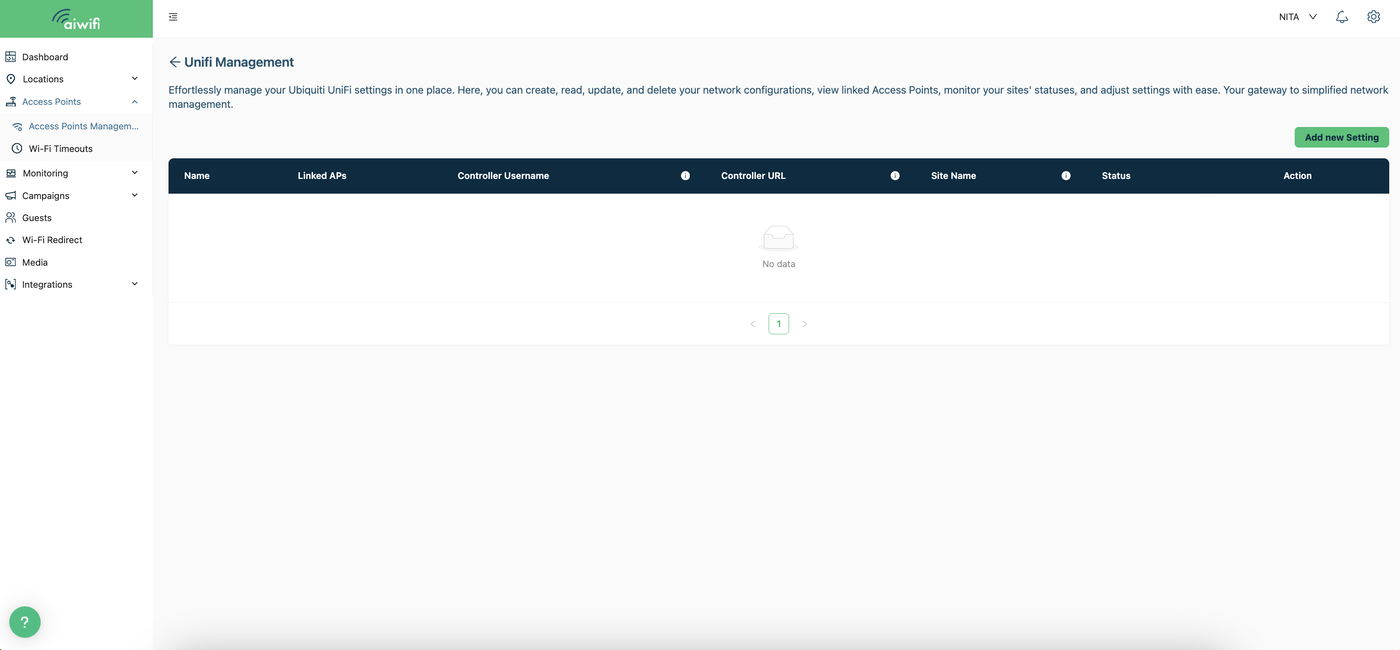
Easily create, read, update, and delete your network configurations, view linked access points, monitor the status of your sites, and adjust settings. To view your network configurations, select the “UniFi Management” button. In this dashboard, you will be able to see the network name, linked access points, controller username, controller URL, site name, etc.
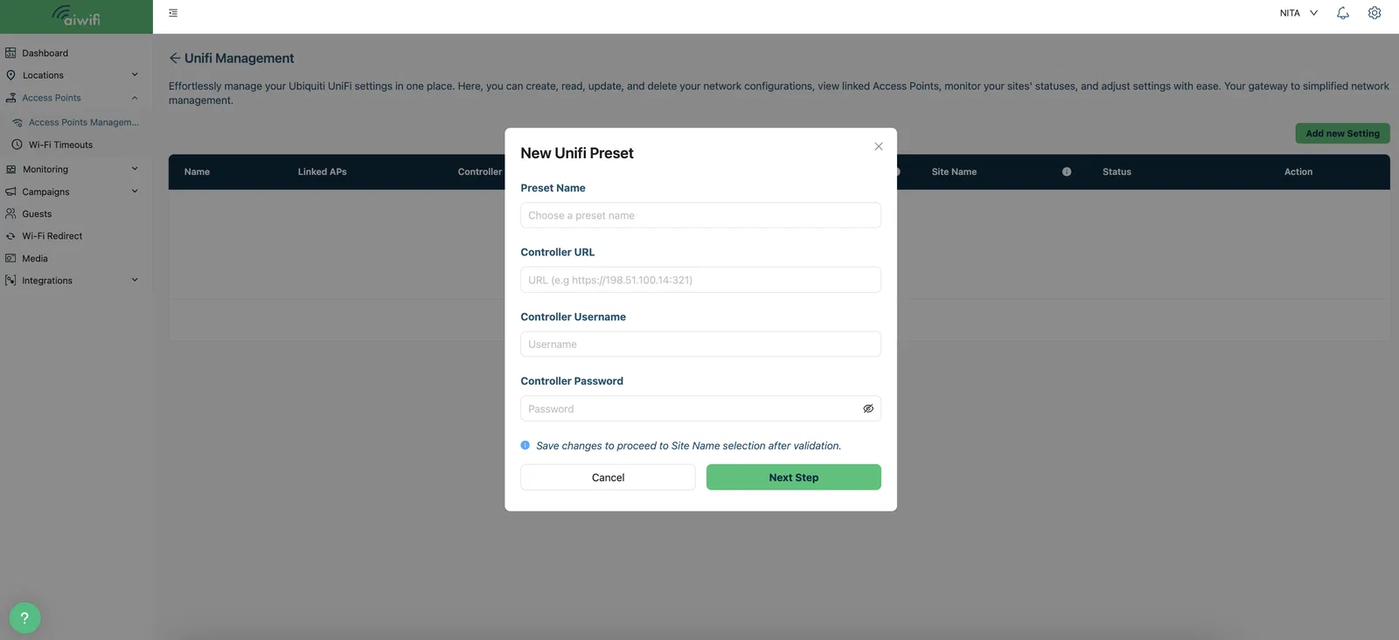
Add new setting:
To add a new setting, simply select the “Add new configuration” button. A box will appear on your screen for you to fill in the requested information.