

Timeouts Settings
Session & Idle Timeout Settings
Manage session duration across your access points. These settings apply globally for each brand.
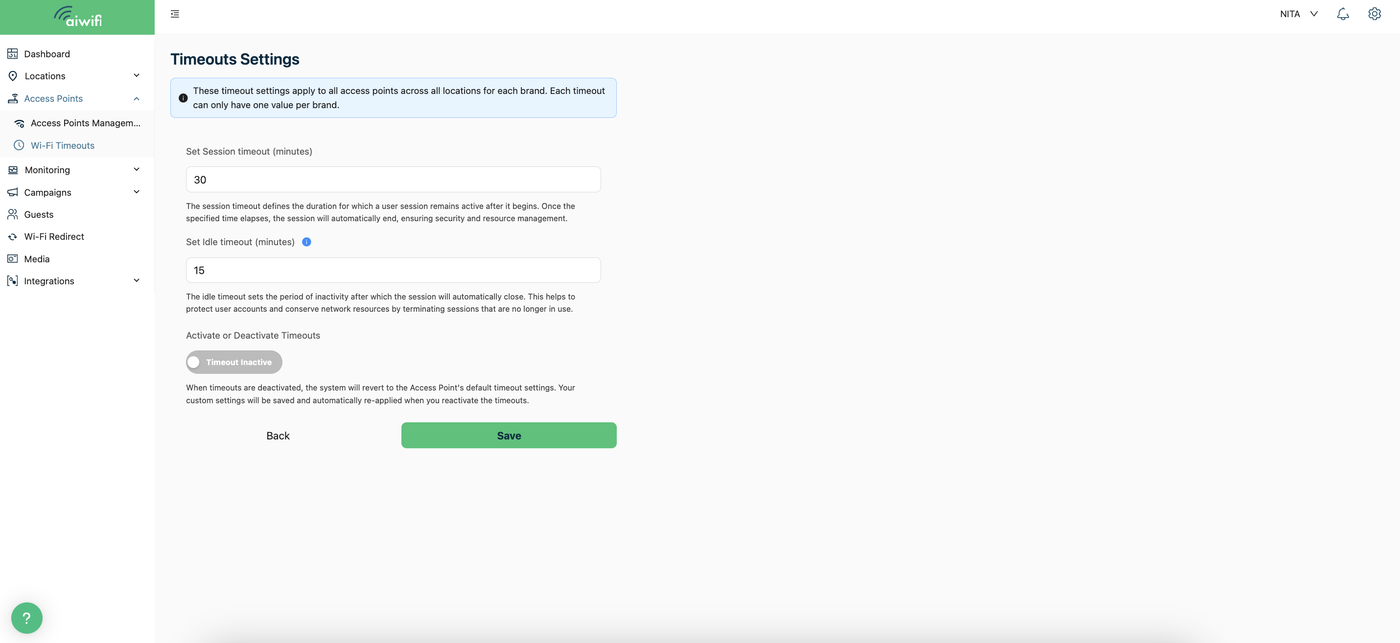
Session Timeout (minutes)
Defines the maximum active duration for a user session. Sessions expire automatically upon reaching this limit to maintain security and efficiency.
Note: If unsupported by the hardware, access points will use their default values.
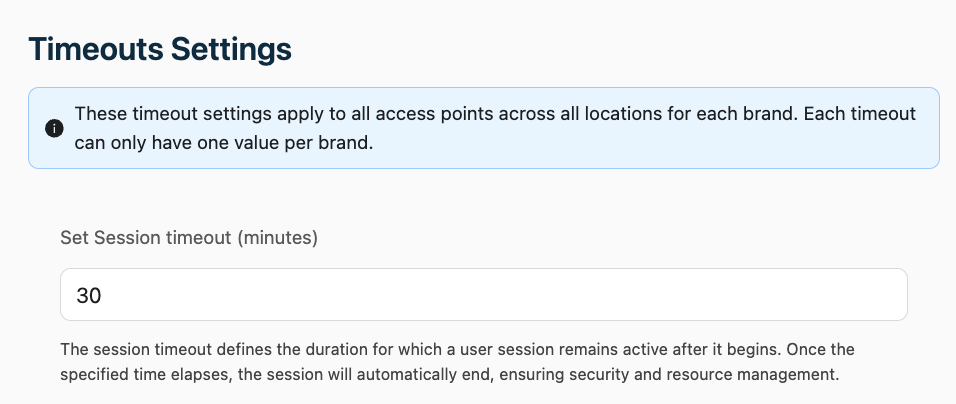
Idle Timeout (minutes)
Specifies the allowed period of inactivity before a session closes automatically to protect accounts and network resources.
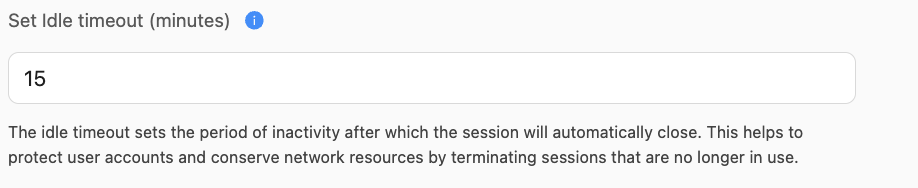
Enable/Disable Timeouts
Toggle custom timeouts on or off. When disabled, hardware defaults apply. Your configuration is saved and reapplied immediately upon reactivation.
