
Add videos or images in Media Library
Media Library:
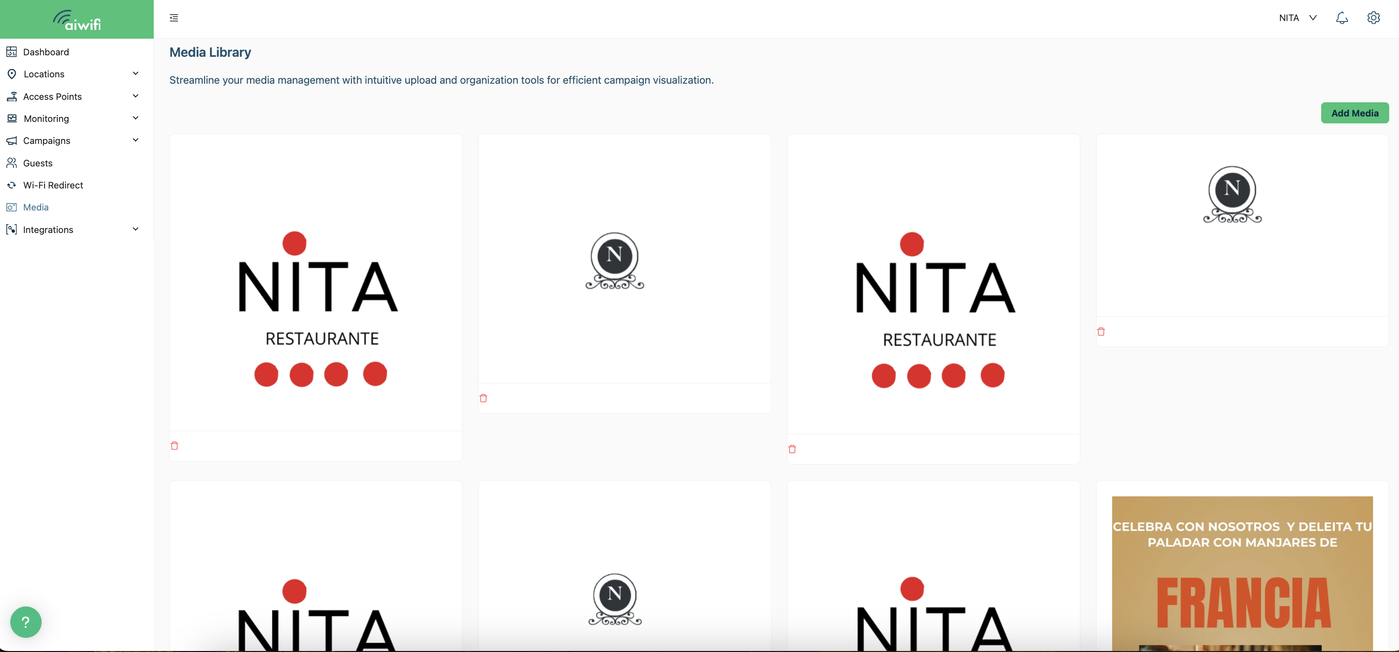
Streamline your media management with intuitive upload and organization tools for efficient campaign visualization.
Steps to add images, videos and gifs to your Media Library
1.- Select Media section, once you are on Media library, click on Add Media.
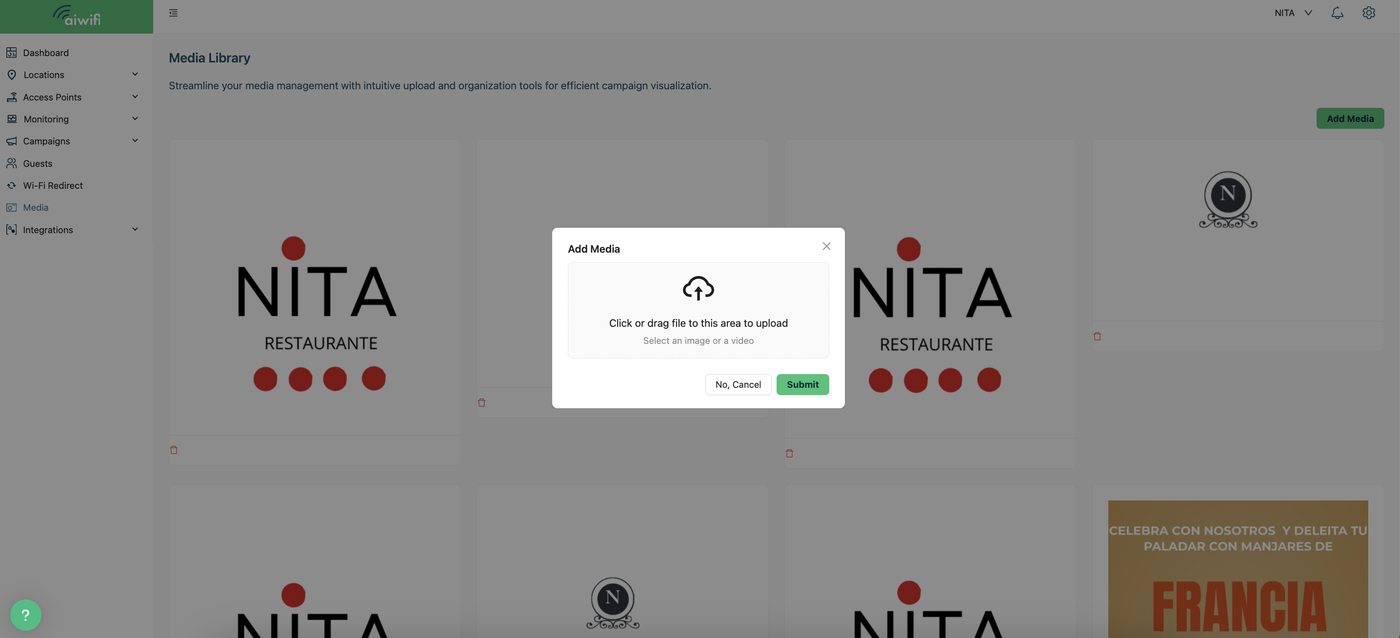
2.- On your screen, a message will appear indicating the two ways to add the file with the image or video: either by dragging the file from your browser into the designated area or by selecting the file from the library if you have already saved it there. Click on “Submit”.
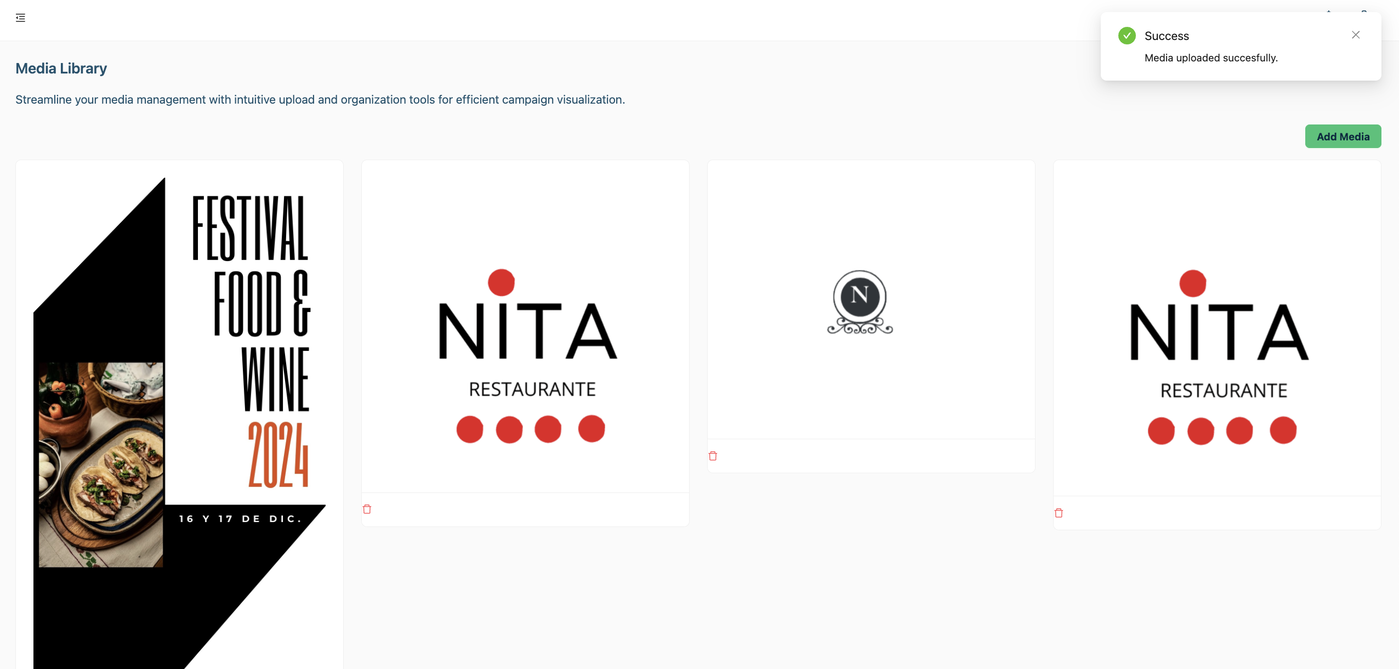
3.- On your screen it will deploy the message “Media uploaded successfully”