
Export Guests List
Now you can access detailed guest analytics at a glance. Review engagement, track last connections dates, and manage guest data with ease for enhanced customer experiences. Exported functionality available for comprehensive reporting.
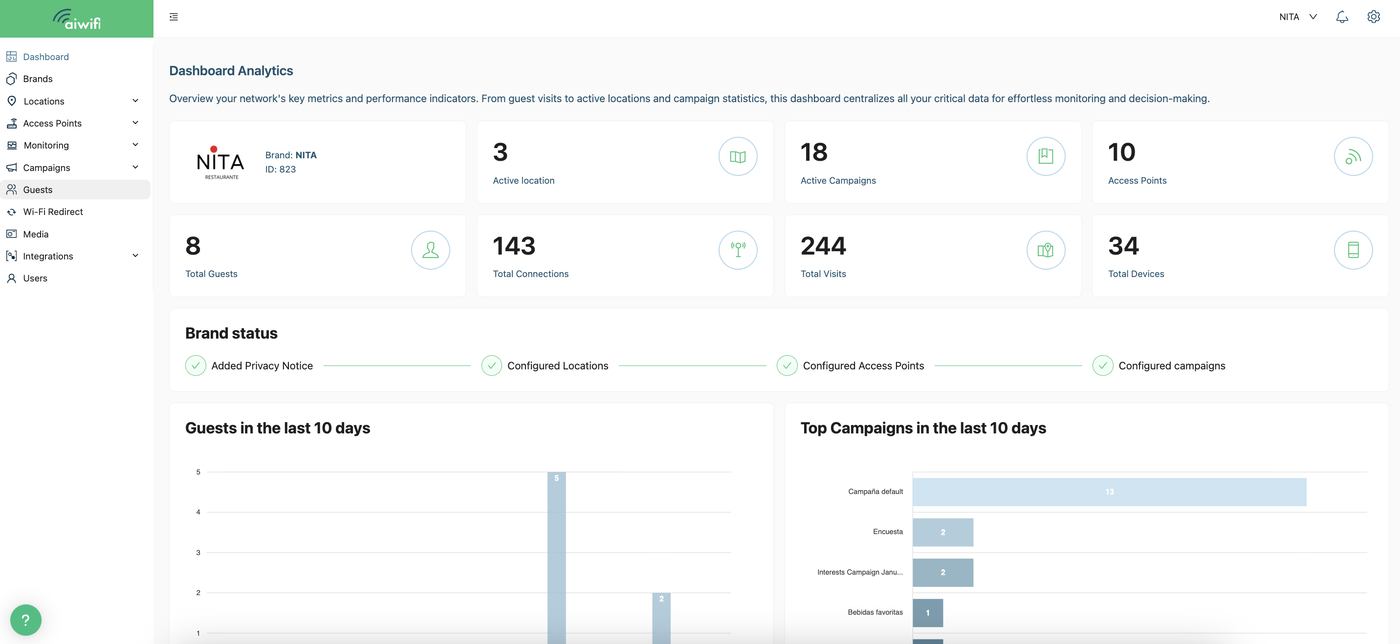
1) Dashboard Analytics
Click on "Guests".
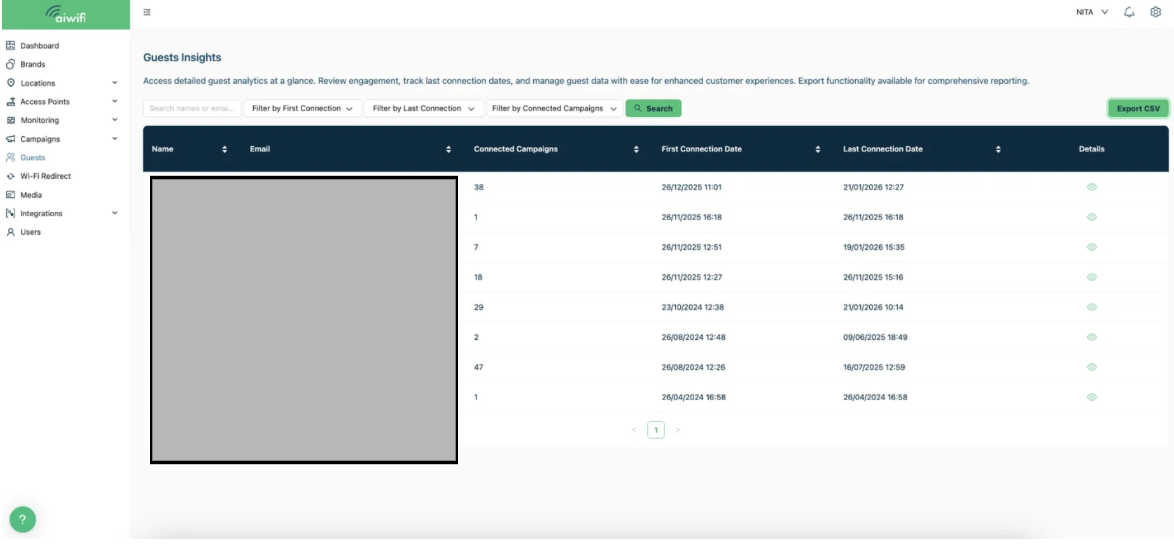
2) Guests Insights
1. Click on "Export CSV" to export the Guests List.
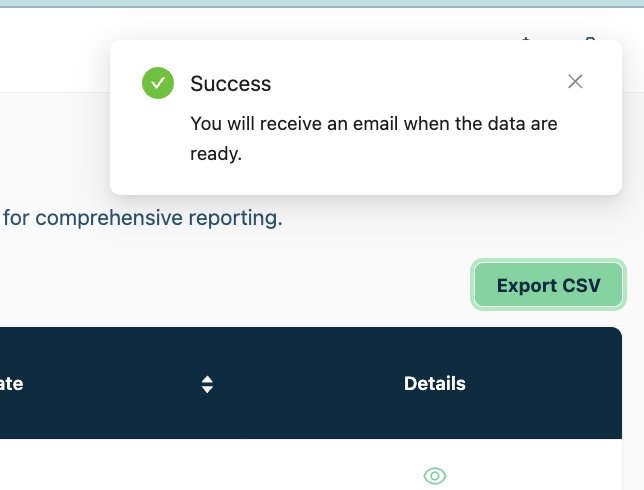
2. A dialogue box appears in the upper right corner announcing you will receive an email when the data are ready.
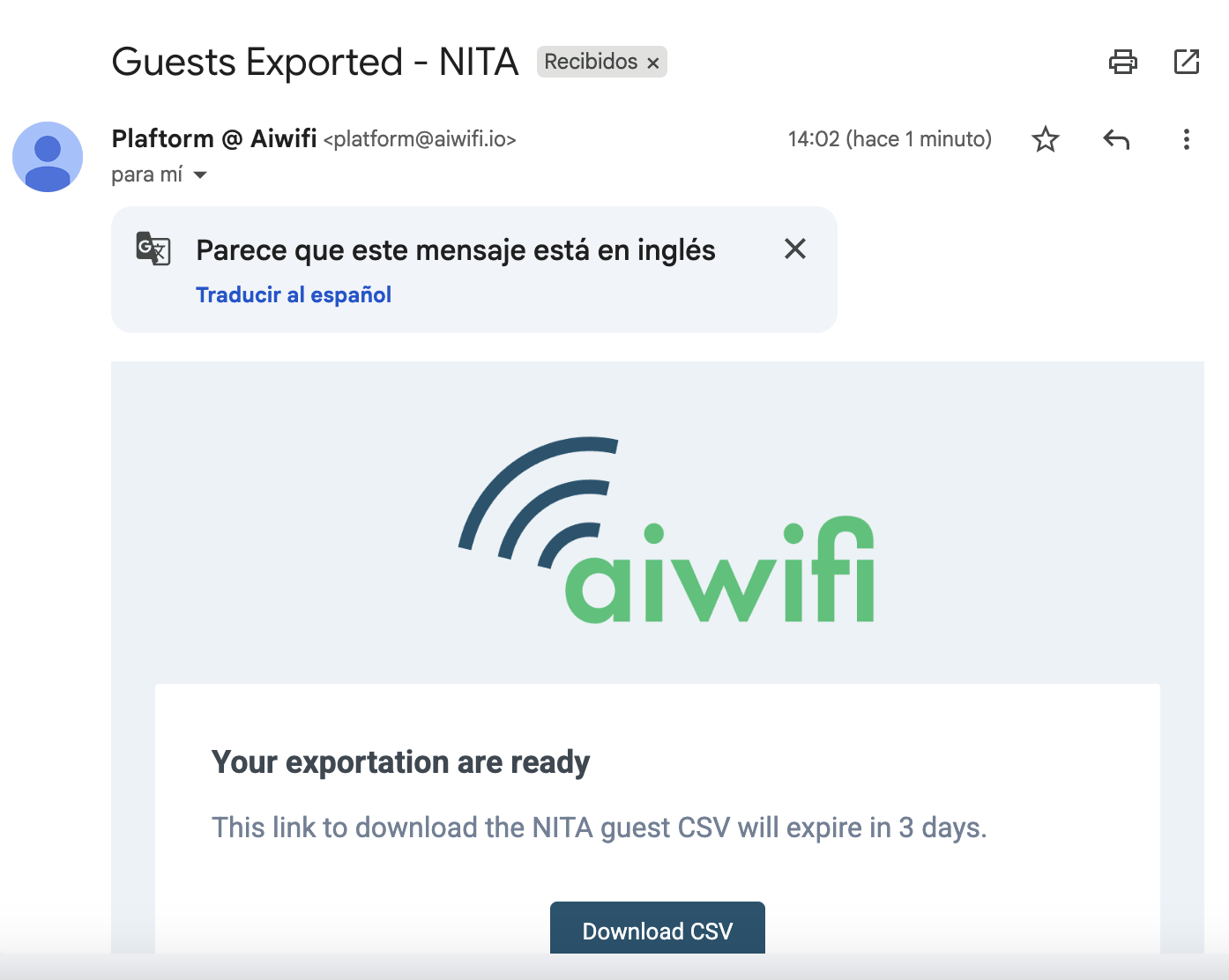
3) An e-mail from Aiwifi (Your exportation are ready!)
When you receive the e-mail press the button "(Download CSV)" for security the guests list will expire in three days.