
Campaign Management
Oversee and coordinate your marketing projects with a complete view of all your campaigns. Check performance, update schedules, and manage campaign details to reach your goals. You can easily edit, change priorities, or archive campaigns at any time to keep up with your business needs.
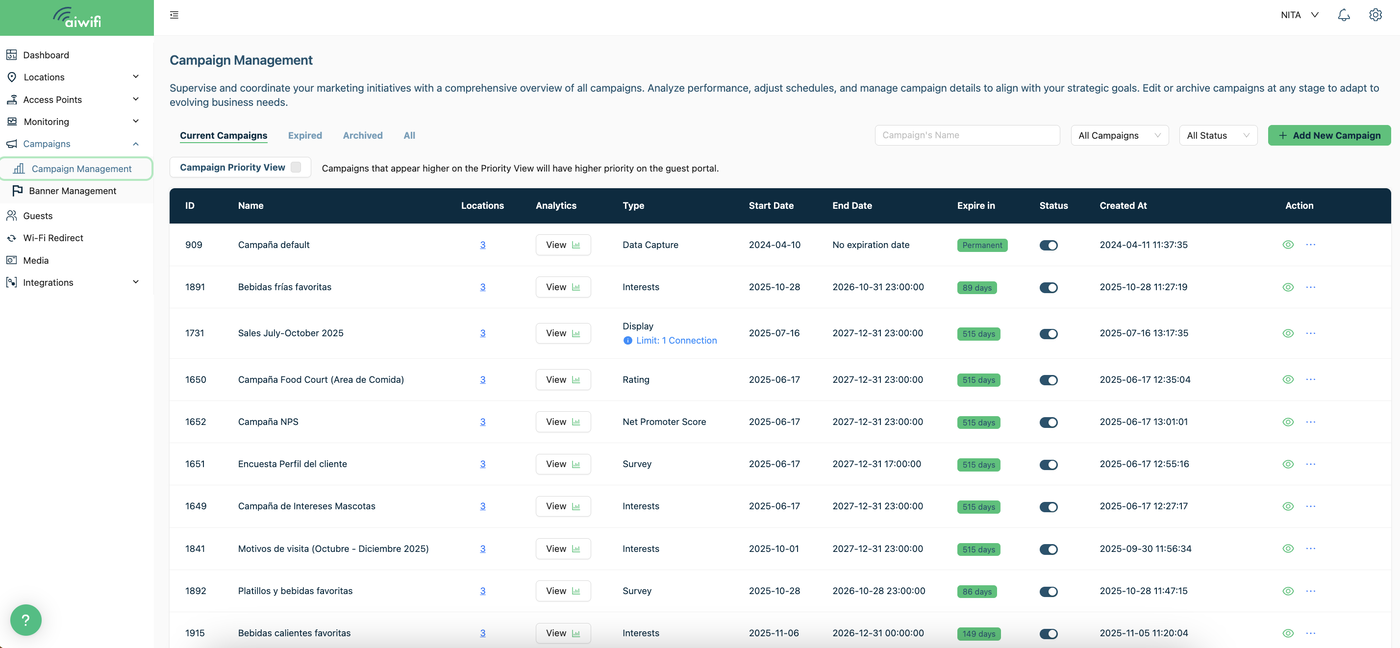
Current Campaigns, Expired, Archived, All.- Manage your campaigns in this section:
Easily view your current, expired, or archived campaigns by selecting a category. Choose between “Current”, “Expired”, “Archived”, or select “All” to see everything at once.

Campaign Priority View:
Below, we show you the different categories and the actions you can perform in this section: Campaign Priority View: By clicking the box to activate this feature, you can change the position or priority of your created campaigns, with the exception of the Data Capture campaign, which cannot be moved. To move a created campaign (Display, Interests, Survey, Rating, or NPS), follow these steps:
1.-Activate the “Campaign Priority View” feature.
Click on the button on the right side to activate the feature.

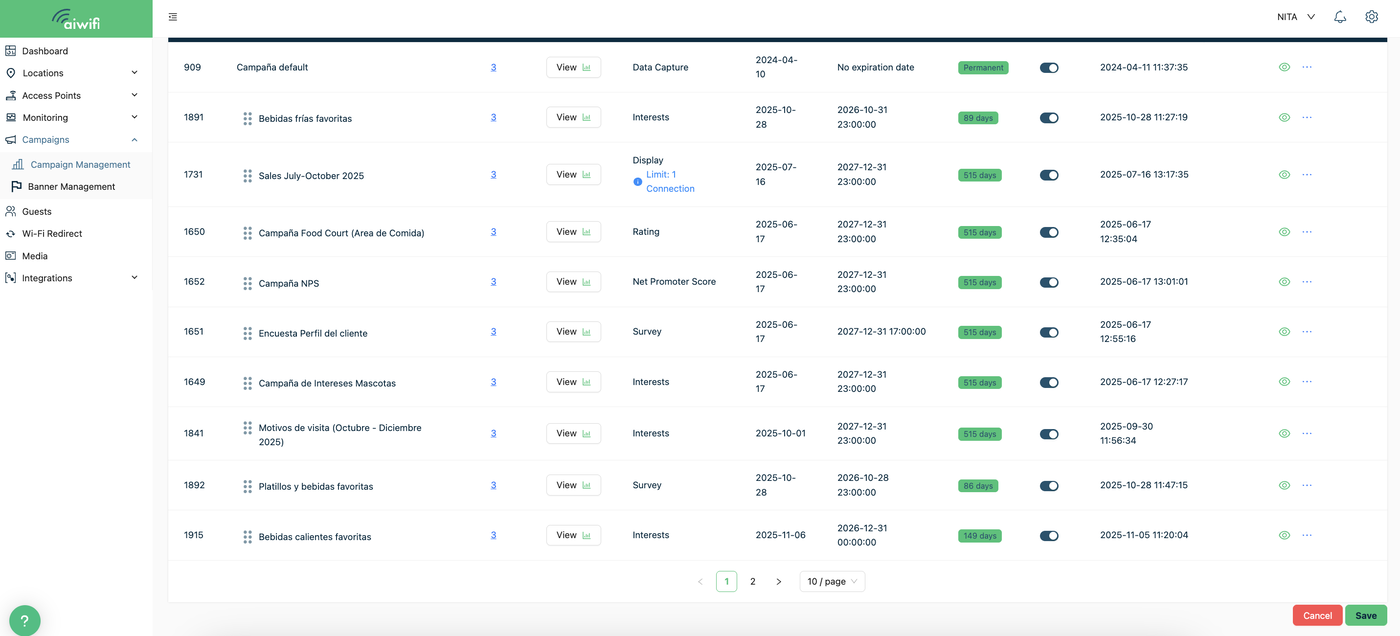
2) Drag the campaign you wish to move up or down and place it in your desired location by clicking and holding the six-dot icon located to the left of the campaign title.

3.- Click on “Save”.
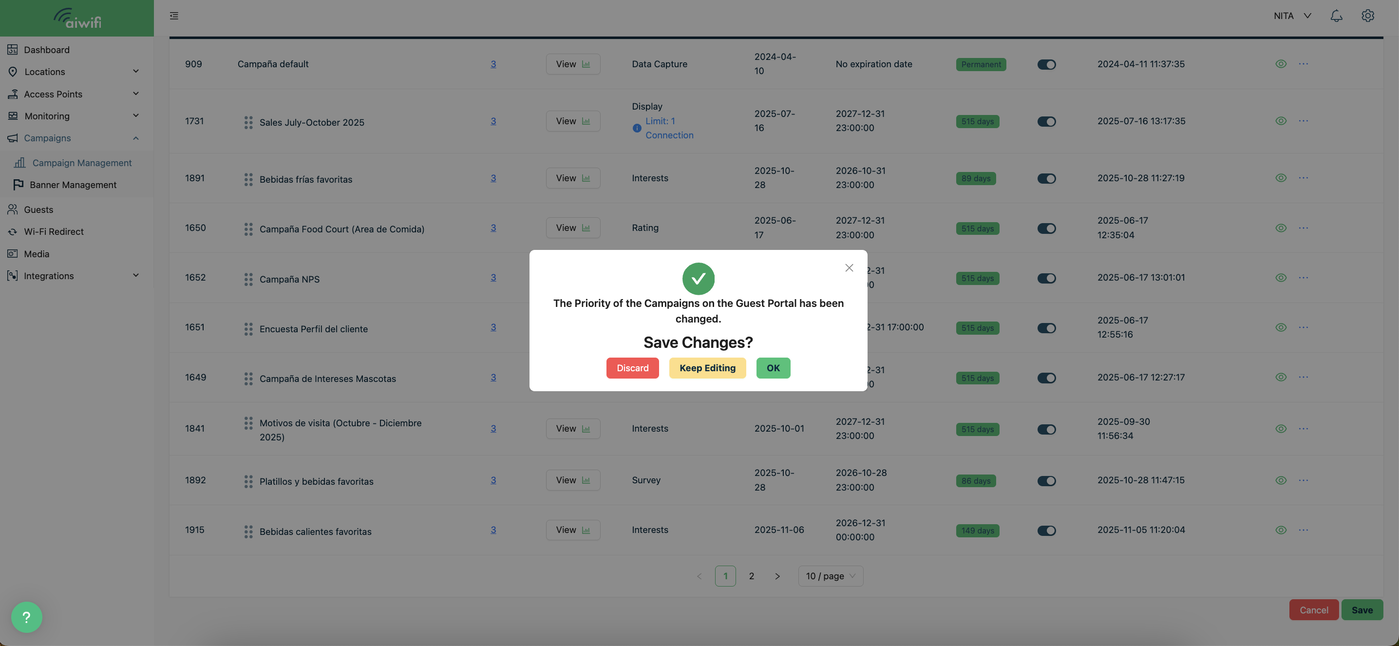
4.- On your screen it will deploy the message “Save changes”, click on ok to save changes.
Now we will show you the features shown on the bar menu:

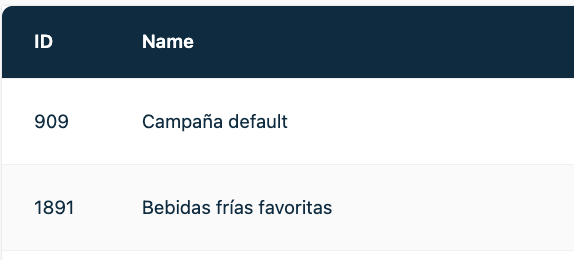
Name .- Bellow this title you can see the name of each campaign you have on your platform.The deafult campaign and the created campaigns.