
Add a Brand
Steps to add a brand
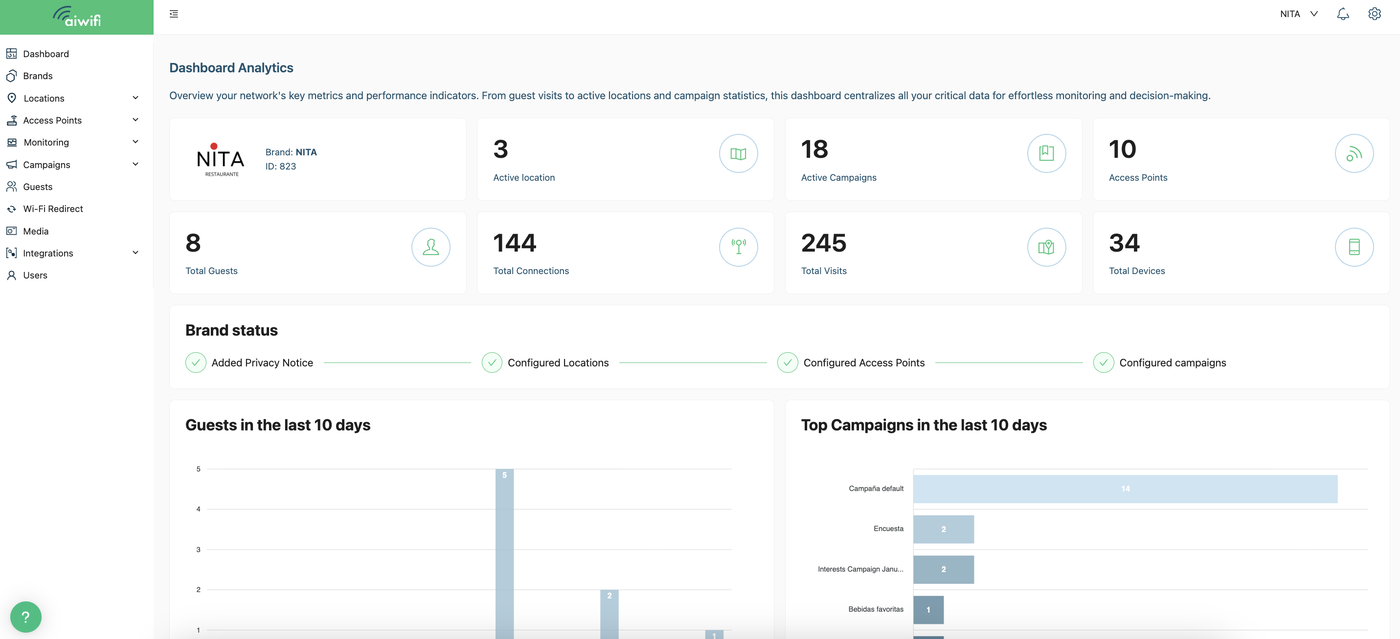
1) Dashboard Analytics
Go to the right of the Dashboard then click on "Brands".
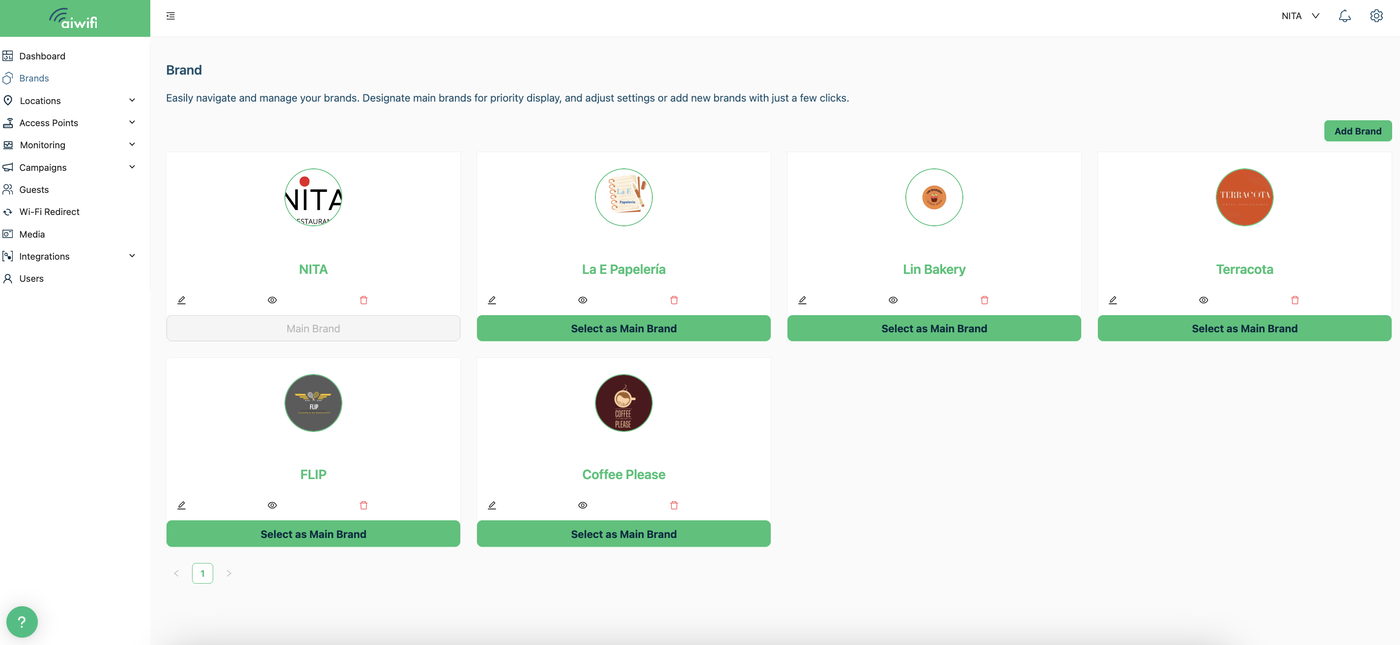
2) Brand
On the right side of your screen, select the “Add Brand” button.
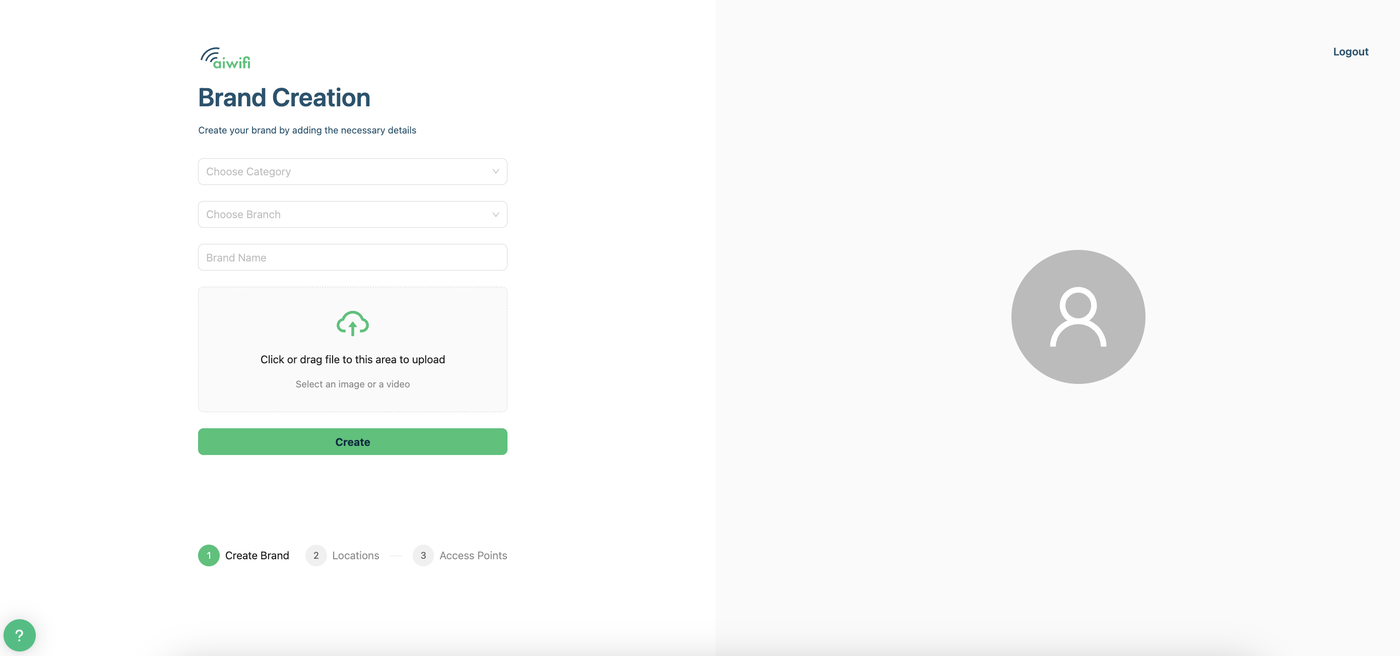
3) Brand creation
Fill the information requested to create your Brand and click on "Create"
1. Choose Category.- You can choose the category of your brand by selecting one of the list.
2. Choose Branch.- Here you can choose the branch of your brand by selecting one of the list.
3.- Brand Name.- Fill out the name of your brand.
4.- Click or drag a file from your browser to upload here or you can choose an image from your "Media" if you already have loaded images, then click on “Create”.
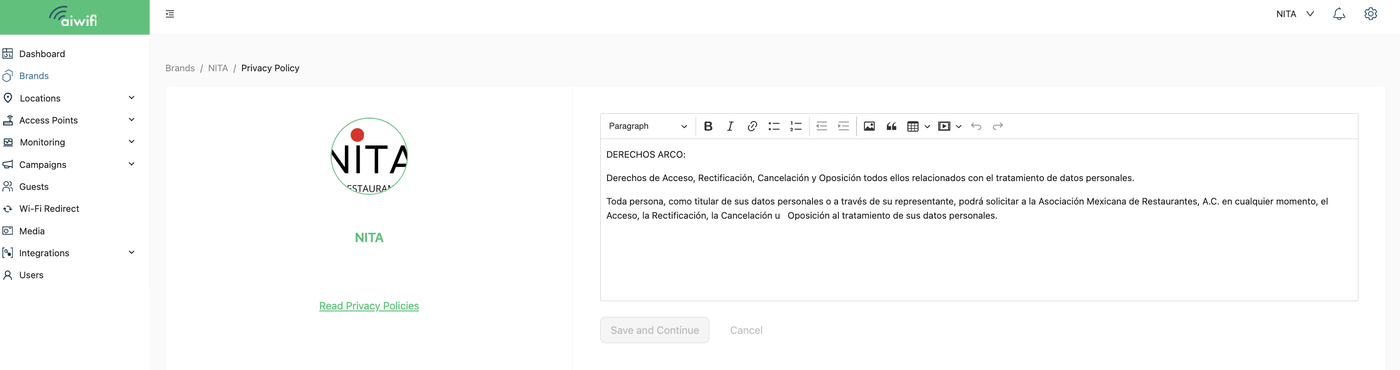
4) Add your Privacy Notice
The Privacy Notice is mandatory under certain laws, be sure to include your company or the person responsible for the data captured through Aiwifi to protect yourself and your users.
Add your Privacy Notice, you can do it now or in another moment. If you desire to do it after then click on "Skip for now" and Done!! Your Brand will appear on your Dashboard Analytics!!