

ZeroBounce Application
Validate email addresses, enhance deliverability, and improve email marketing performance.
Once you have selected “See Details” it will deploy on your screen the ZeroBounce Integration Settings Dashboard.
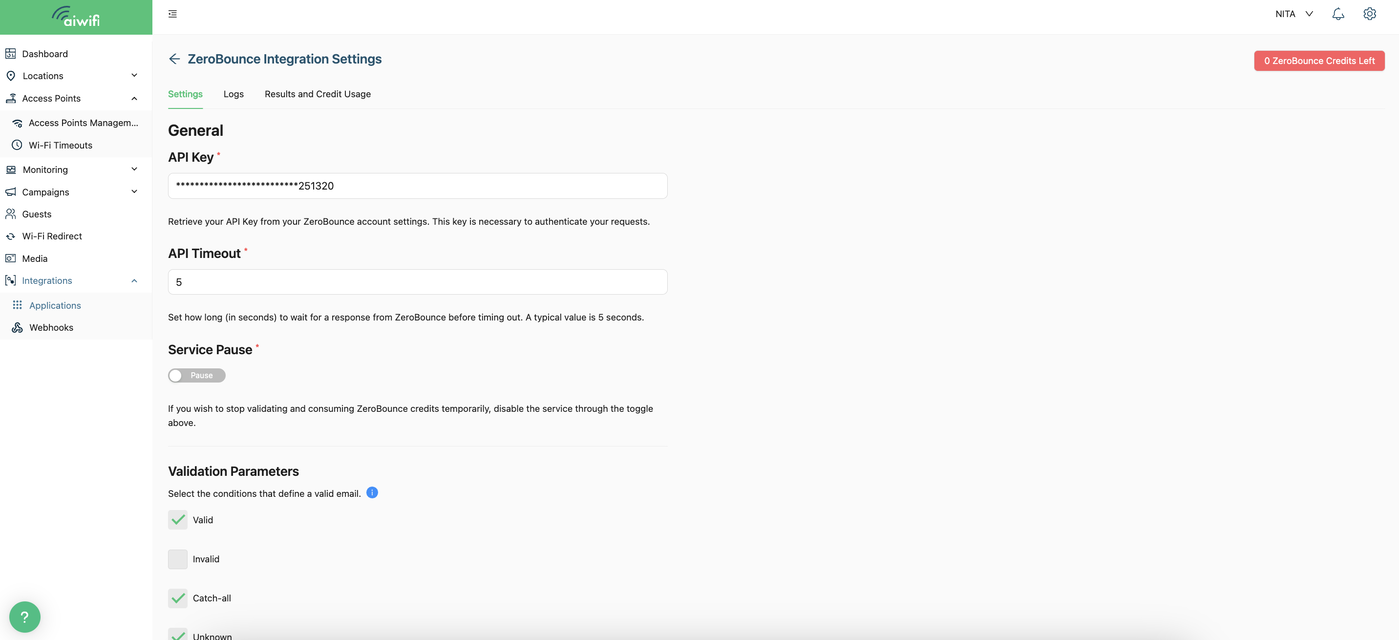
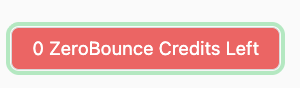
In the upper right corner, you will see a message with the credits left.
Zero Bounce Integration steps:
1.- Add the API Key:
Retrieve your API Key from your ZeroBounce account settings. This key is required to authenticate your requests.

2.- API Time Out:
Set how long (in seconds) to wait for a response from ZeroBounce before timing out. A typical value is 5 seconds.

3.- Service Pause:
If you wish to stop validating and consuming ZeroBounce credits temporarily, disable the service through the toggle above.

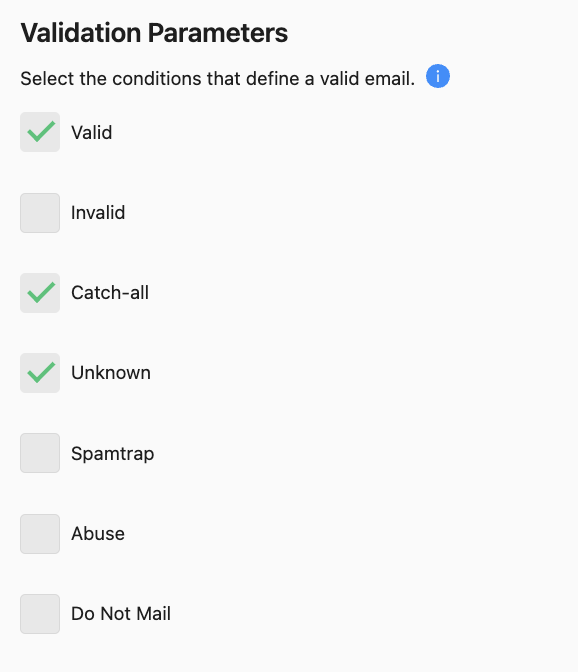
4.- Validation Parameters:
Select the conditions that define a valid email. The conditions or parameters you can choose are: “Valid”, “Invalid”, “Catch-all”, “Unknown”, “Spamtrap”, “Abuse” and “Do not mail”. We recommend selecting “Valid”, “Catch-all” and “Unknown”.
5.- Credit Notification:
Notification Treshold.- Set the threshold value for notifications. For example, if set to 1000 credits, you will be notified at 1000 (100%), 500 (50%), 100 (10%), and 0 credits.

6.- Emails to notify:
The emails written here are the once that will be notified about the ZeroBounce credits usage.

7.- Update:
Once you have already filled the blanks space, click on “Update”.
